
Help centreInventory & device unitsUpdated
Deal with returned and faulty stock
Where returned goods wait, how to inspect them, and the four things that can happen next.
Something that comes back does not go straight onto the shelf. It waits in a holding area until somebody looks at it, which is the difference between a stock count you trust and one you do not.
What is actually wrong with it?
- Nothing
- Back to stock as new, at its original code and price.
- Used, but fine
- Back to stock as used, under its own code, at a price you set.
- Faulty, and theirs
- Return to the supplier, with a document that expects a credit back.
- Faulty, and nobody's
- Scrapped or written off. The cost lands where it belongs rather than vanishing.
Until one of those is chosen the item sits in the holding area — which is the point. Nothing returns to the shelf by default, so unexamined stock cannot be sold as good.
Find the holding area
Inventory → Faulty Items. Everything a refund sent here is listed, with what it was and why it came back.
app.slickcell.com/inventory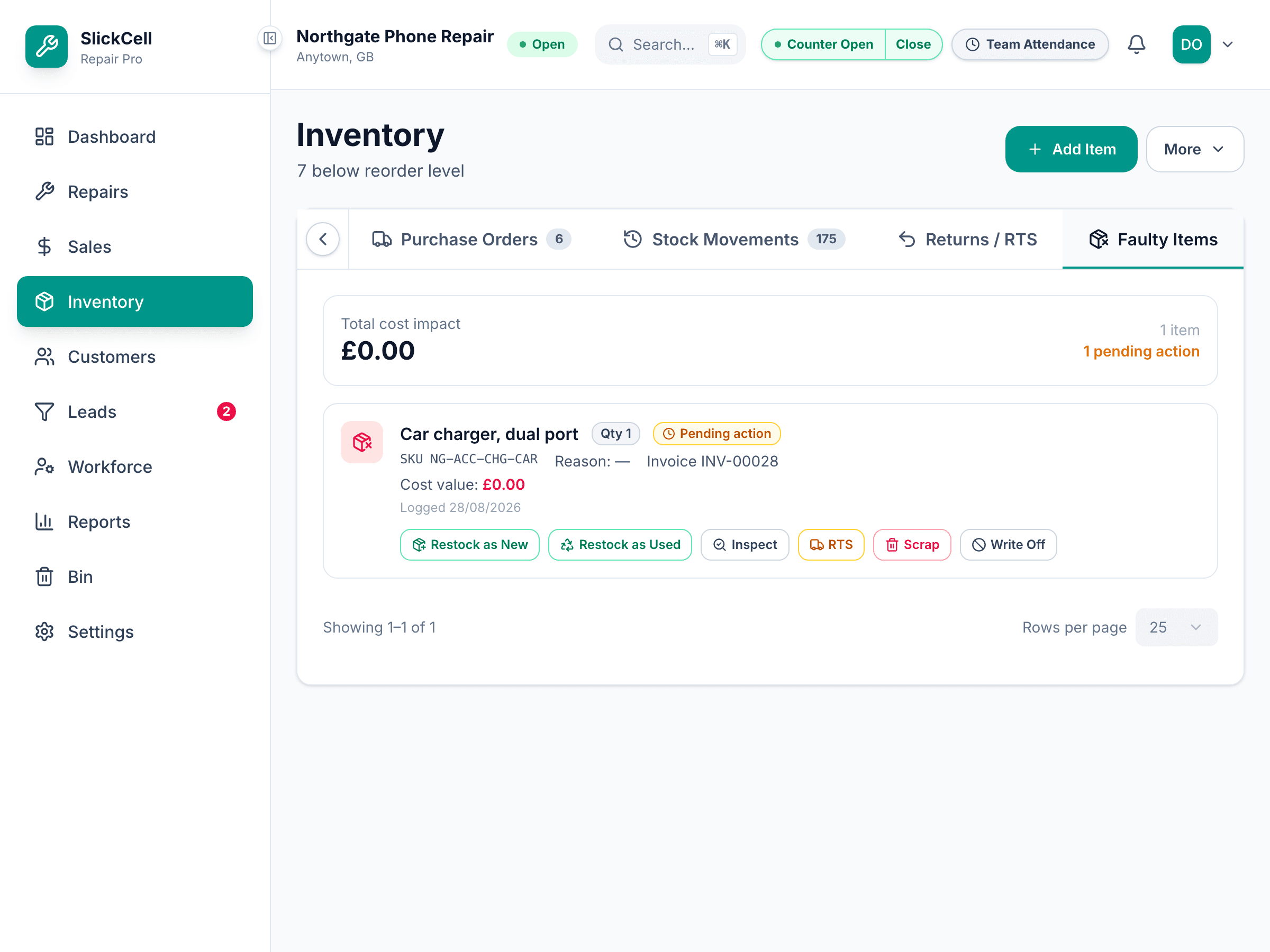
Inspect it
Record what condition it is actually in. That decides what can happen to it and, if it goes back on sale, what it is worth.
Choose what happens
Back to stock as new when it never left the box. Back as used when it did — it gets its own used listing rather than rejoining the new ones. To the supplier when it is their fault. Scrapped or written off when it is nobody's.
Used stock gets a separate listing on purpose. Mixing a returned item back in with new ones is how a shelf stops matching its own count.
Send the supplier ones back
Anything marked for return to the supplier appears on the returns list with its reason, so a batch can go back together with a reference.