
Help centrePOS & salesUpdated
Ring up a sale
Put accessories, parts and a used handset on one sale, take the money across more than one method, and print the receipt.
By the end of this the sale exists as an invoice, the money is recorded against it, and the stock has come off the shelf — all as one event, so there is no state where the sale happened but the stock did not.
You need the till open. If the cash drawer is closed the app says so before it lets you take cash.
Open Sales
The POS tab is the till. The cart starts empty with a walk-in customer attached.
app.slickcell.com/sales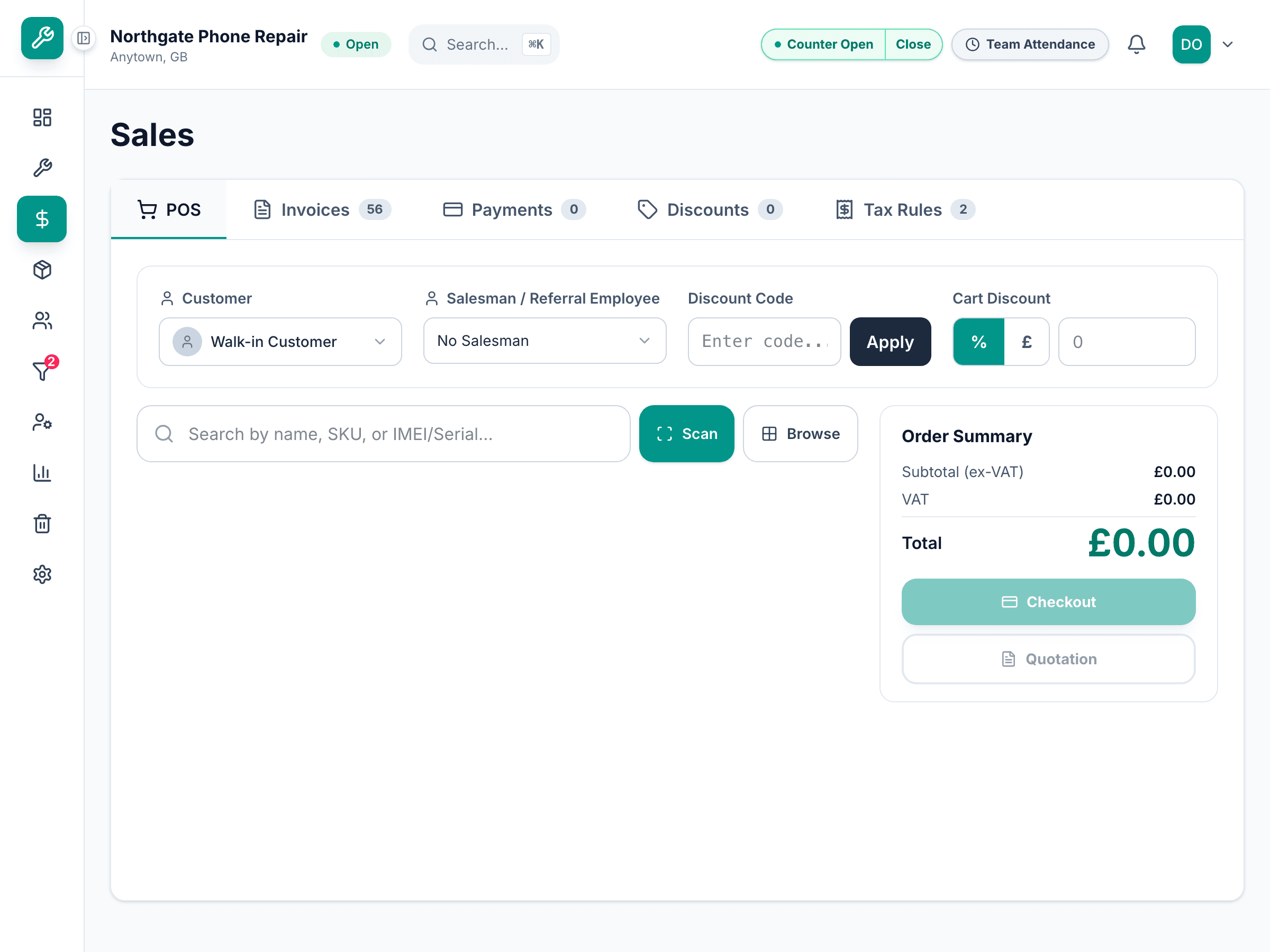
Add what they are buying
Search by name, SKU or barcode and add it. An accessory goes on by quantity. A used handset goes on as a single unit — you pick the actual handset, and its price comes from that unit rather than from the model.
Scanning is quicker: the search box takes a barcode scanner, and a staff phone can act as one.
Attach the customer, if there is one
A walk-in sale needs nobody. Search for a customer when you want the sale on their record — and you must, if they are not paying all of it today.
The app will not let you leave a sale part-paid against a walk-in. A balance owed by nobody is a balance nobody can chase.
Take the money
Choose the method and the amount. To split it, add a second payment line — card for part, cash for the rest. The change due is worked out as you type.
app.slickcell.com/sales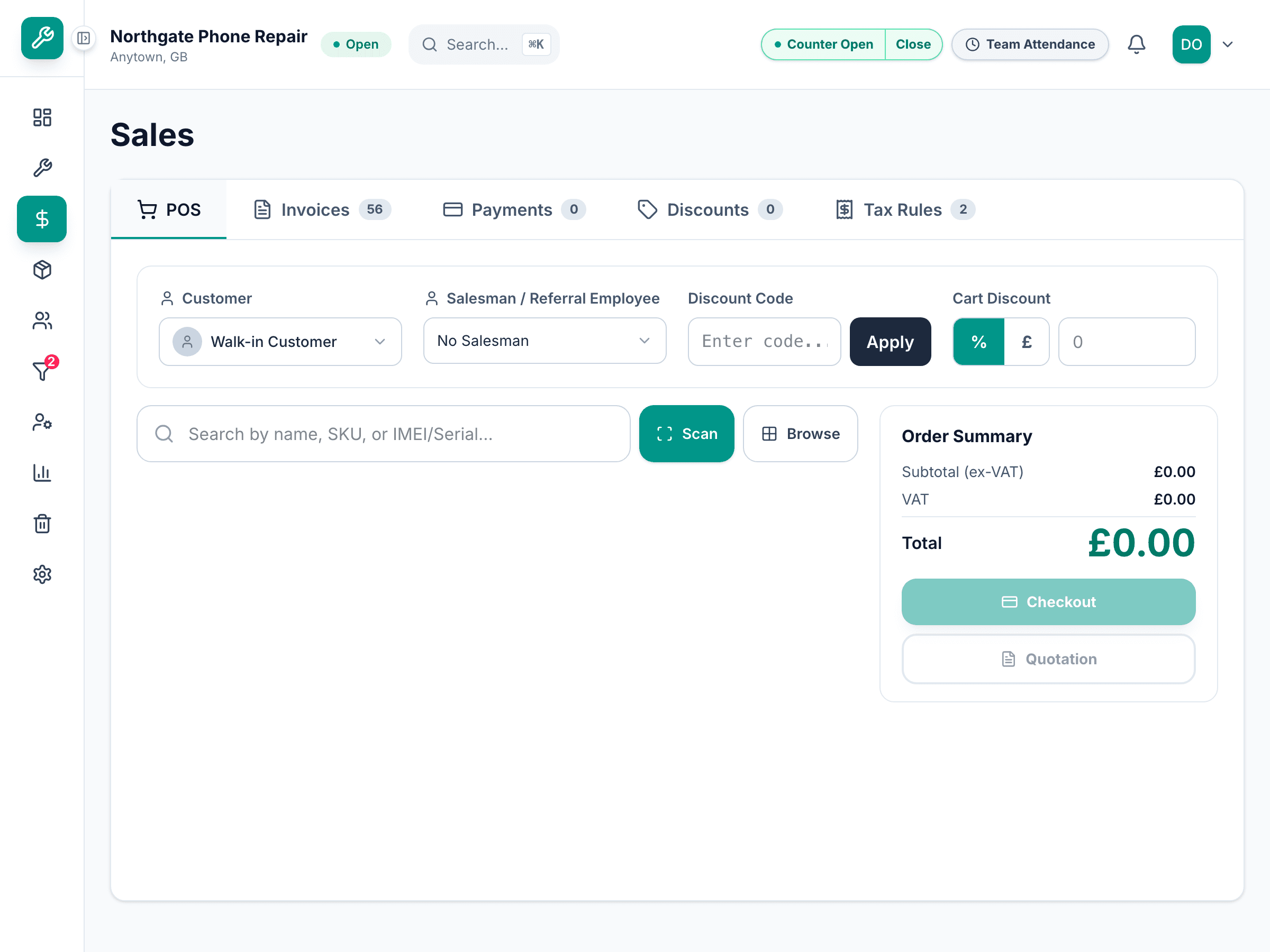
Complete the sale
The invoice, the payments and the stock movement are written together. If anything fails, none of it is written and the cart is still there.
Print or send the receipt
Print to the thermal roll, or send it. The receipt carries a code the customer can scan to see the invoice again later.
Questions that come up
- Can I sell something that is out of stock?
- Not a device unit — you are selling a specific handset, and a sold one is not available. For parts and accessories the app will warn you rather than stop you.
- The customer wants to pay half now
- Attach them to the sale first, then enter the part payment. The balance shows on their record and on the invoice.