
Help centreGetting startedUpdated
Start a free trial
Sign up, confirm your email, set up the shop in three steps and land on the dashboard — no sales call and no card.
By the end of this you will have a shop of your own in the app, on a 14-day trial of the plan you picked, with the dashboard open. It takes a few minutes and nobody from us needs to be involved.
You need an email address you can read straight away — the second step sends a code to it.
Pick a plan on the pricing page
Choose Starter, Professional or Supplier Pro and monthly or yearly, then use that plan's trial button. The choice travels with you and arrives already selected at step five.
Come straight to the sign-up page without choosing and the app recommends Professional for a repair shop. You can change it in step five either way.
Create your login
Your name, email and a password. That is the whole form — no plan to re-pick and no card.
app.slickcell.com/signup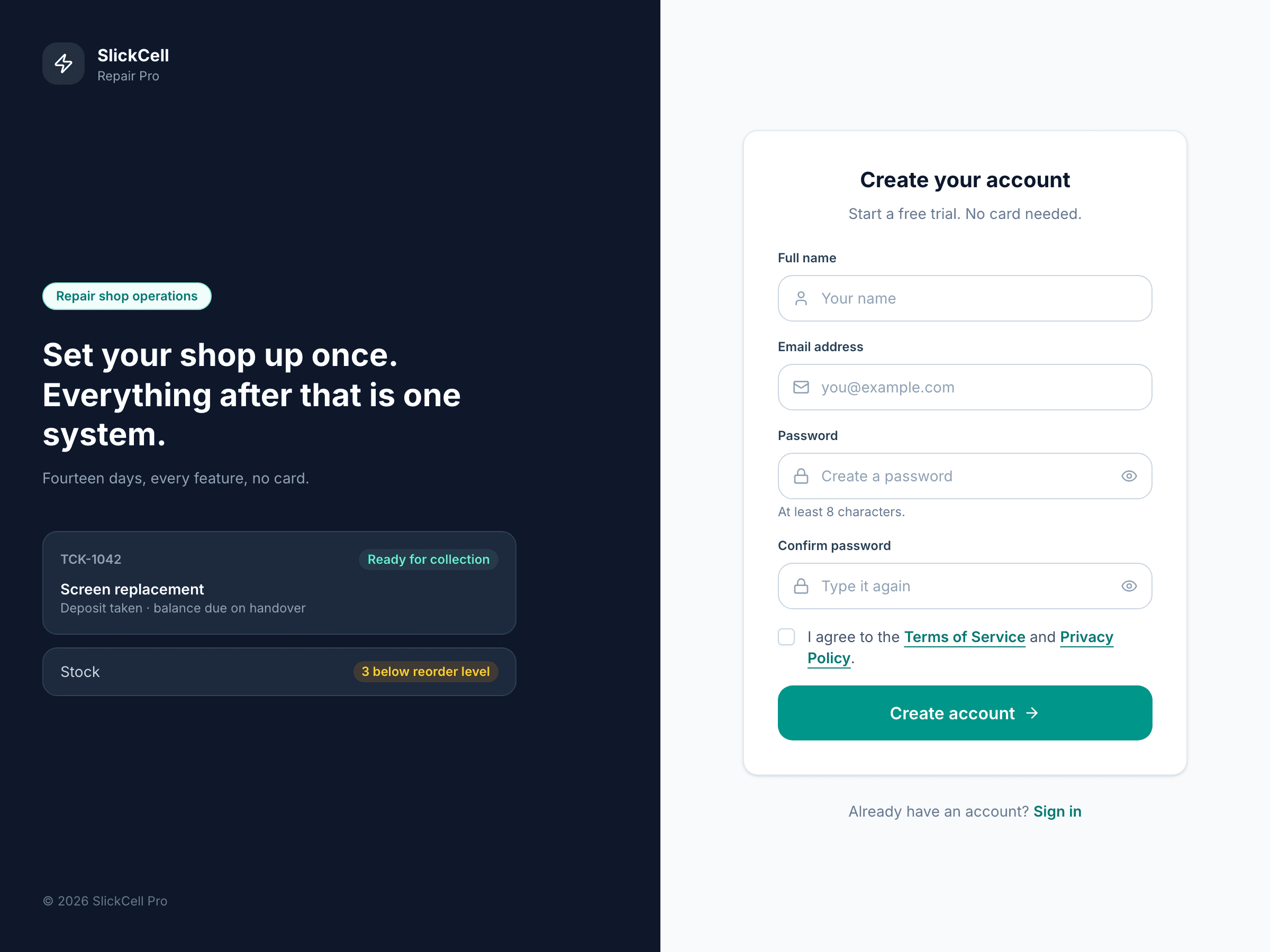
Enter the code from your email
A six-digit code arrives at the address you gave. Type it in, or paste it. If it has not arrived after a minute you can ask for another one.
Set up the shop
Step one: whether you are a repair shop or a supplier, the shop's name and address, the country — which sets the currency — and whether you charge tax and at what rate. Step two: your opening hours, used for due dates and the open/closed marker on the dashboard.
Close the tab halfway through and your answers are still there when you come back.
Confirm the plan and open the shop
Step three shows the plans you can pick from with the one you chose already selected. Tick the terms and choose Launch. The trial starts on that plan; you are not asked for a card.
app.slickcell.com/onboarding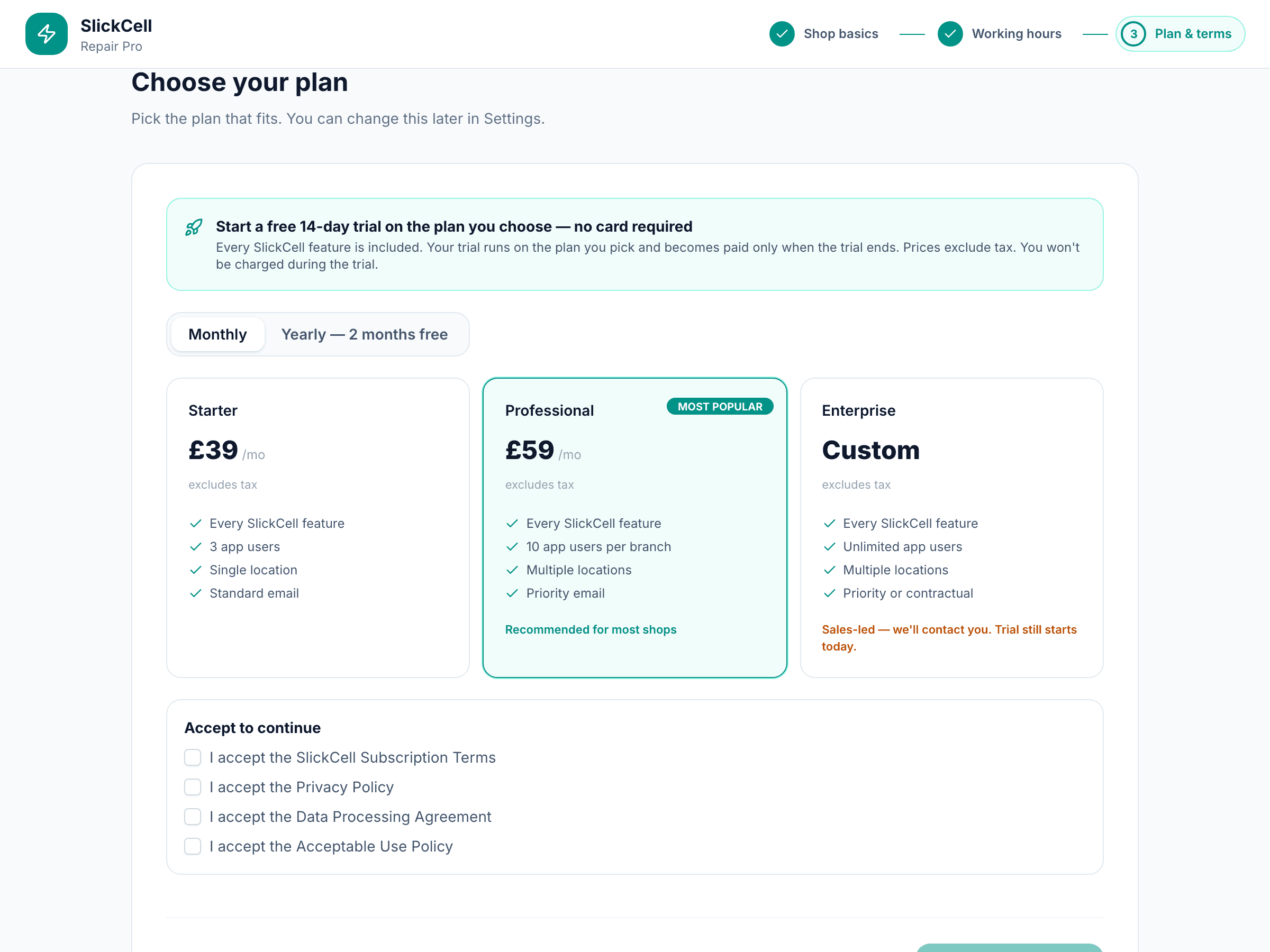
You are on the dashboard
The shop exists and is empty. The next things most owners do are bring stock in and book a first repair — both linked below.
app.slickcell.com/dashboard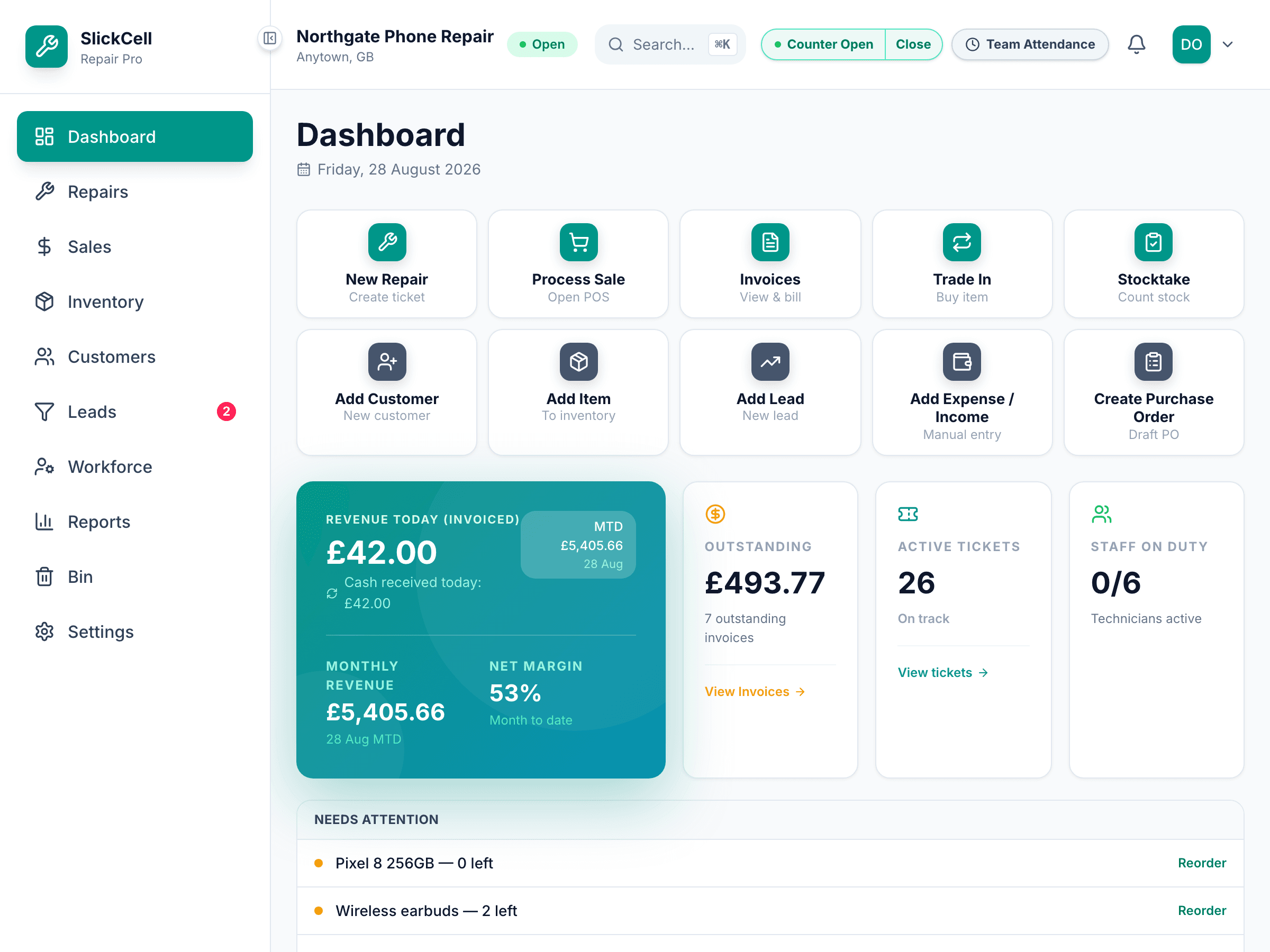
Questions that come up
- Does the trial need a card?
- No. The trial runs for 14 days on the plan you chose. When it ends you pick how to pay, or you stop — there is nothing to cancel.
- Can I change the plan later?
- Yes, from Settings → Billing. Every plan has every feature; they differ in team size, locations and discounts.
- I am a supplier, not a repair shop
- Choose Supplier in step one. You will see Supplier Pro as your plan.