
Help centreInventory & device unitsUpdated
Take a handset in part-exchange
Buy a device over the counter as a tracked purchase — inspected, offered, paid for and put on the shelf with its cost recorded.
By the end of this you have bought a handset, paid the seller, and put it on the shelf at a cost you can prove — so when it sells, the profit on it is real.
Buying a device is a purchase, not a note in the drawer. The record keeps the seller, the inspection and the money together.
Start a trade-in
Trade In from the dashboard, or Inventory → Trade-ins. Take the seller's name and a contact number.
app.slickcell.com/buyback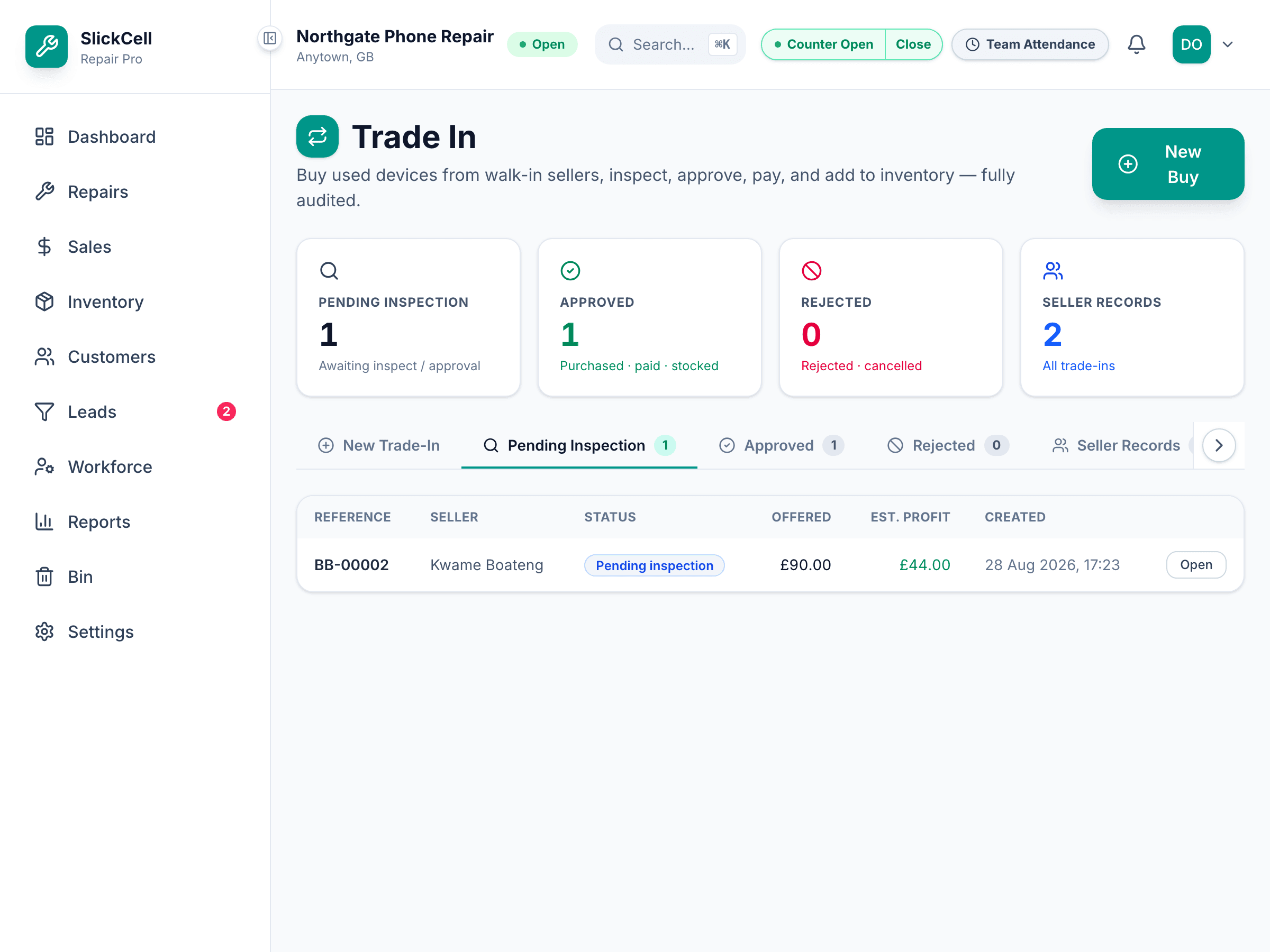
Record the device and inspect it
Brand, model, storage, colour, IMEI — then the condition of the screen, the back, the camera, the port, and whether it is locked to an account. This is what your offer is based on.
A device still signed in to an account cannot be resold. Record it honestly here rather than discovering it at the counter later.
Make the offer
Enter what you expect it to sell for and what it will cost to refurbish. The offer is what you are paying the seller, and the difference is visible before you commit.
Approve and pay
Approving fixes the offer. Recording the payment takes it out of the till, so the drawer and the day's takings agree.
Put it on the shelf
Add it to inventory and it becomes a device unit at the cost you paid, ready to sell.
Questions that come up
- The customer changed their mind
- A trade-in that has not been paid can be cancelled. One already paid is a purchase you made, so it stays on the record.